
How to Save Threads Posts to Notion
Updated
The best posts on Threads are text — a sharp take, a step-by-step tip, a long thread that reads like a mini blog post. But Threads has no real bookmarks manager, and a good thread is gone the moment the feed moves on. This guide shows how to save a Threads post or an entire thread to Notion in one click, and how Clipno can add an AI summary of a long thread to the same page.
Short answer
To save a Threads post to Notion, install the free Clipno extension for Chrome or Edge, open the post on threads.com, and click the Clipno icon. The post — its full text, author and link — is written into your Notion database as a clean page in one click. For a long thread, tick Generate AI summary before saving and Clipno adds a short summary to the same Notion page.
Threads has no memory — your feed does the forgetting for you
You read a genuinely useful thread — a founder breaking down how they did something, a long list of tips — and you like it, meaning to come back. Threads has no bookmarks worth the name, no notes, no tags. The thread scrolls away and you never find it again.
Saving it into Notion fixes that: the whole post becomes a real page in a database you can search, tag and link to your other notes. And because Threads is where people write long — where the value is in the words — Clipno can add an AI summary of the thread, so a 20-post thread is a page you can grasp at a glance and reread when you need it.
Save a Threads post to Notion in one click
Clipno reads the post straight from threads.com and writes it into Notion as a clean page — with an option to add an AI summary of long threads. Setup takes about two minutes.
- 1
Install the Clipno extension
Add Clipno to Chrome or Edge from the Chrome Web Store. The free plan includes 50 saves per month — no credit card required.
- 2
Connect your Notion workspace
Click the Clipno icon, sign in, and authorize the Notion workspace and database you want to save into. Clipno can also create a ready-made clips database for you.
- 3
Open the post or thread on threads.com
Open the Threads post or thread you want to keep on threads.com. Clipno reads it directly from the page, so anything you can open in your browser can be saved.
- 4
Click Clipno — and tick AI summary for long threads
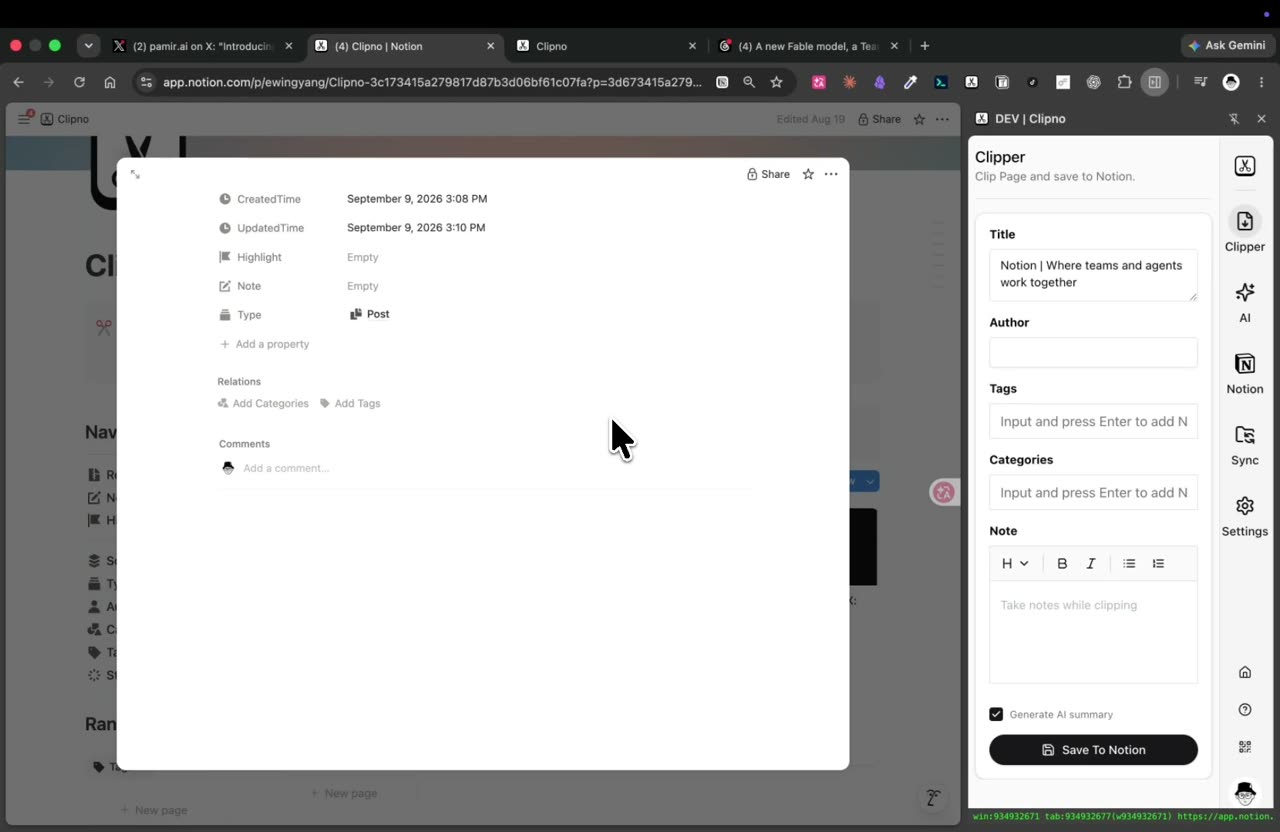
Clipno captures the post's text, author and source URL. For a long thread, tick Generate AI summary to add a short summary — then hit Save To Notion. If the post has a video, you can tick Save transcript too.
Saving a Threads post to Notion with Clipno — the post is saved as a page with an AI summary of the thread. - 5
Find it in Notion — searchable, summarized
The post arrives as a new page in your database with the source URL in its properties. If you enabled it, the AI summary sits right at the top — so a long thread you saved is something you can actually reread and act on.
Tips and common pitfalls
- AI summary is the killer feature for long Threads threads. The value of Threads is in long text posts. Tick Generate AI summary and Clipno distills a 20-post thread into a few lines at the top of the Notion page — while keeping the full text below.
- The full text is saved, not a screenshot. The whole post — every reply in the thread you clip — is saved as real, searchable text, so nothing is lost to an image.
- Turn liked Threads posts into a real library. Instead of likes you never revisit, each clip is a searchable, taggable Notion page next to the rest of your notes.
- It reads text inside images and videos, not just the caption. Tick Extract text from images to OCR screenshots, carousels and infographics into searchable text, and Save transcript to turn a video into text — both are written into the same Notion page and can feed the AI summary.
- The same one-click flow covers other social posts. Clipno also clips Twitter/X, Instagram, Facebook, TikTok, YouTube, Reddit and more — one clipper for everything you save from social.
- On iPhone or iPad, the Clipno iOS app and Shortcuts save Threads links from the share sheet, though AI summary and transcript are features of the browser extension.
Frequently asked questions
- How do I save a Threads post to Notion?
- Open the post on threads.com and click the Clipno browser extension. The full text, author and link are written into your Notion database as a new page, no screenshots. For a long thread you can also add an AI summary in the same click.
- Can Clipno summarize a long Threads thread?
- Yes. Tick Generate AI summary before saving, and Clipno adds a short AI summary of the thread to the top of the Notion page, with the full text kept below.
- Does it save the whole thread or just one post?
- Clipno saves the post you clip as full, searchable text in a Notion page. For a thread, clip the post and the text is captured as a page — not a screenshot.
- Can Clipno save a video in a Threads post?
- Yes. If a Threads post has a video, tick Save transcript to turn it into text, and it's written into the same Notion page alongside the post.
- Can Clipno turn images or screenshots into text?
- Yes. Tick Extract text from images before saving and Clipno runs OCR on the post’s images — screenshots, carousels, infographics — and writes the recognized text into the Notion page, where it is searchable and can feed the AI summary.
- Is Clipno free?
- The free plan includes 50 saves per month with full feature access. AI-summary and transcript generation have their own monthly free allowance; Pro raises the limits. Pro is $19.90 per year.
- Can I also save Twitter/X, Instagram or Facebook posts to Notion?
- Yes — the same one-click flow works for Twitter/X, Instagram, Facebook, Reddit, LinkedIn and many more sources.
Turn the best of Threads into a searchable Notion library
Install Clipno free and save Threads posts — with AI summaries of long threads — straight into Notion. Comparing clippers? See how Clipno stacks up against Save to Notion.